
Please note this website is intended for Canada, in order to ensure compliance with local legal requirements we need to redirect you to the country you are located in.
CONTINUE


First steps with VEEV GRAND.
A handy introduction to your new vape device.

-

Unbox your device
- Carefully remove the VEEV device from the packaging. You’ll also find the User Guide and Safety Warnings and Instructions.
- Ensure you have a compatible charging cable, AC power adaptor, and VEEV GRAND pod on hand. Some of these items are sold separately.
-

Charge and insert pod
- Plug the device into a wall socket to charge, using compatible charging accessories.
- A full charge takes 40 minutes.
- Once charged, insert the pod in the device until it clicks into place.
-

Power on and puff
- Press the button for 4 seconds to turn on the device.
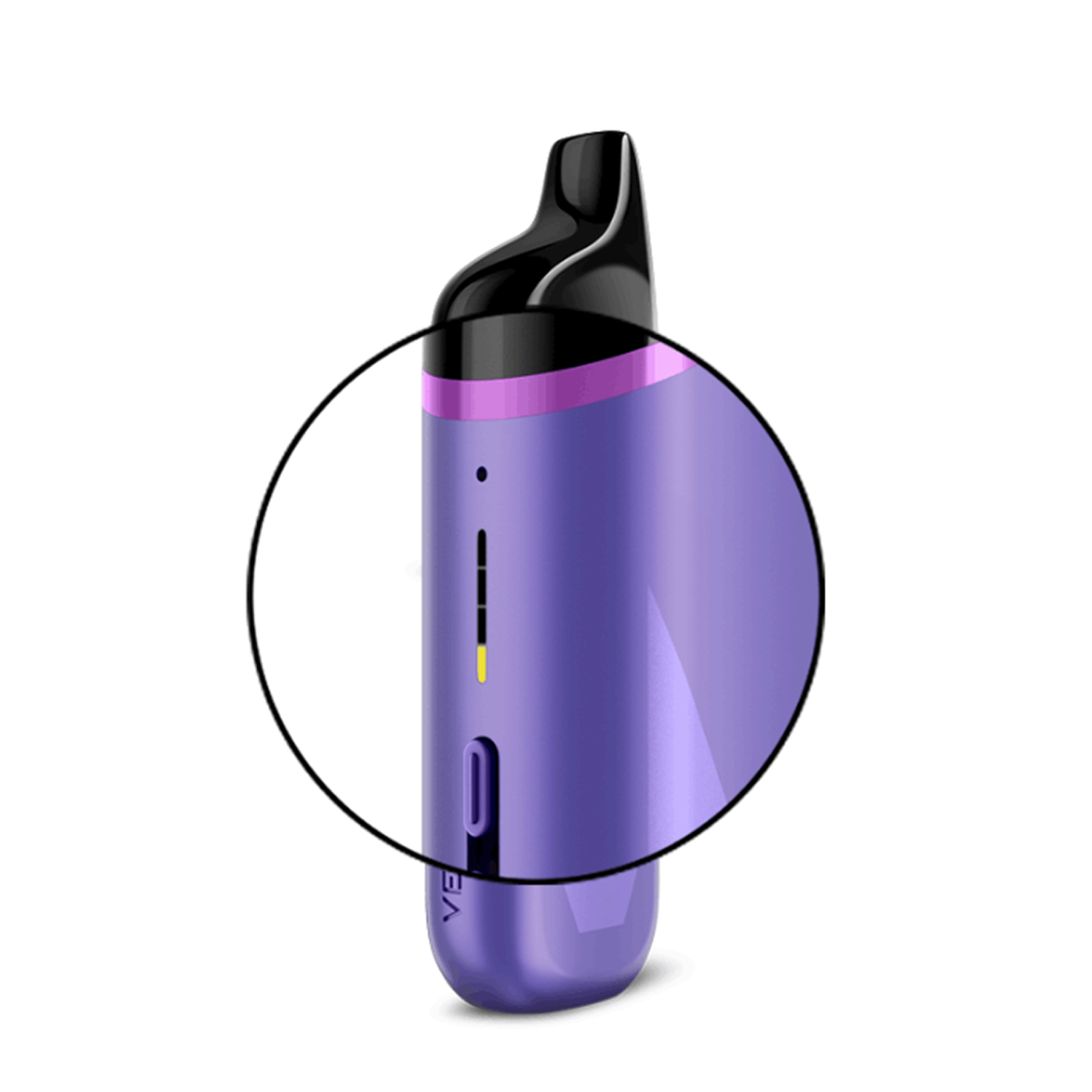
- Lights will ramp up and display the battery level.
- Inhale to begin your vaping.
Quick guide to get familiar with your VEEV GRAND.
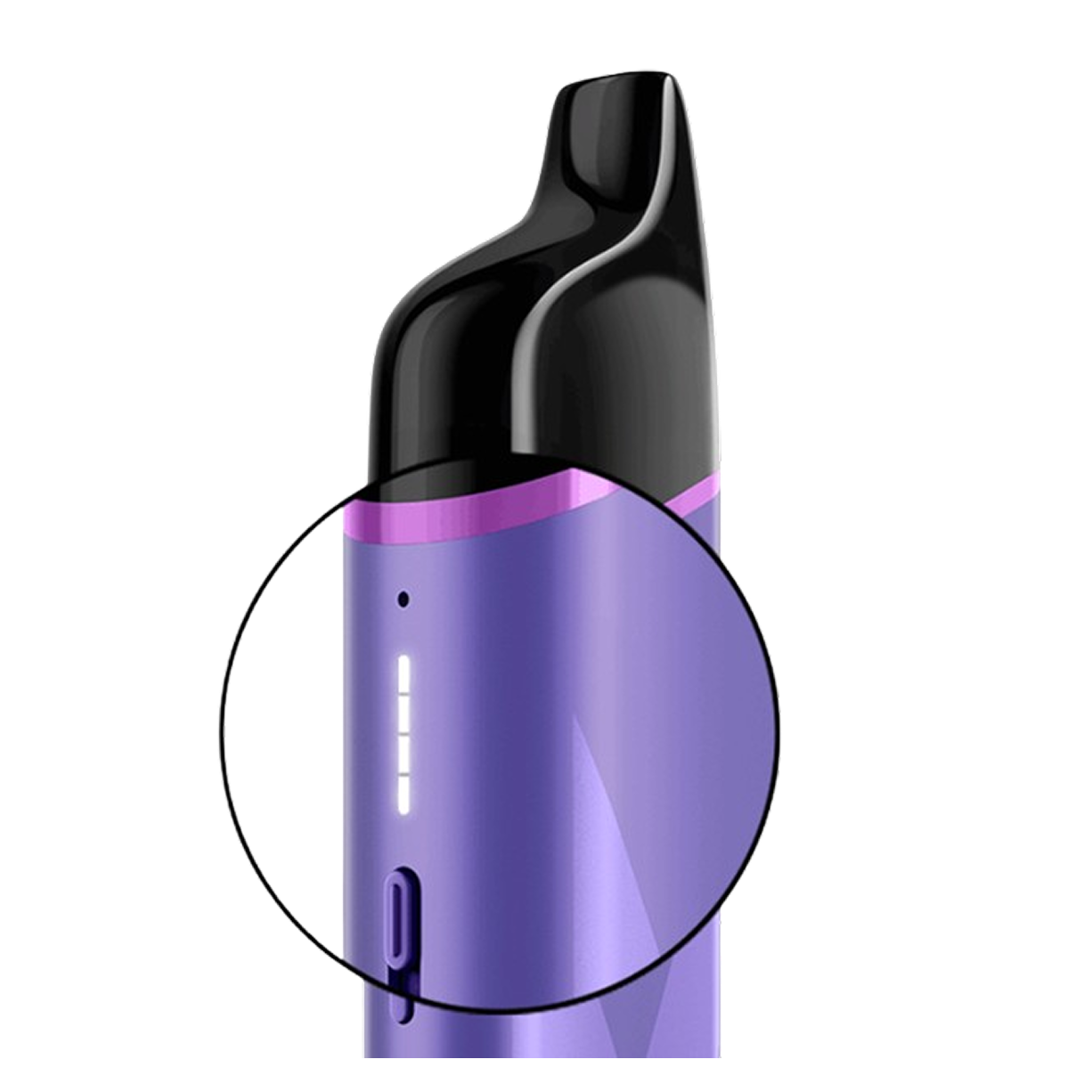
How to charge VEEV GRAND.
- Connect the device to a wall socket using a compatible, certified AC power adaptor and charging cable from a reputable source. 1 light will start flashing. When 1 light turns solid white, it's 25% charged.
- Leave it to charge for about 40 minutes for a full charge or until at least 1 light stays solid white. The lights will turn off once the device is fully charged.
To ensure optimal charging:
- Avoid charging with a laptop or power bank.
- Ensure the USB ports are clean.
Note:
- To check the charge level, briefly press the Status Button.
- At 100%, all 4 strip lights will be solid white on short Status Button press.
- If charging stops and the light blinks red 8 times on short Status Button press (while plugged in), the device is charging too slowly.
How to use VEEV GRAND pods.
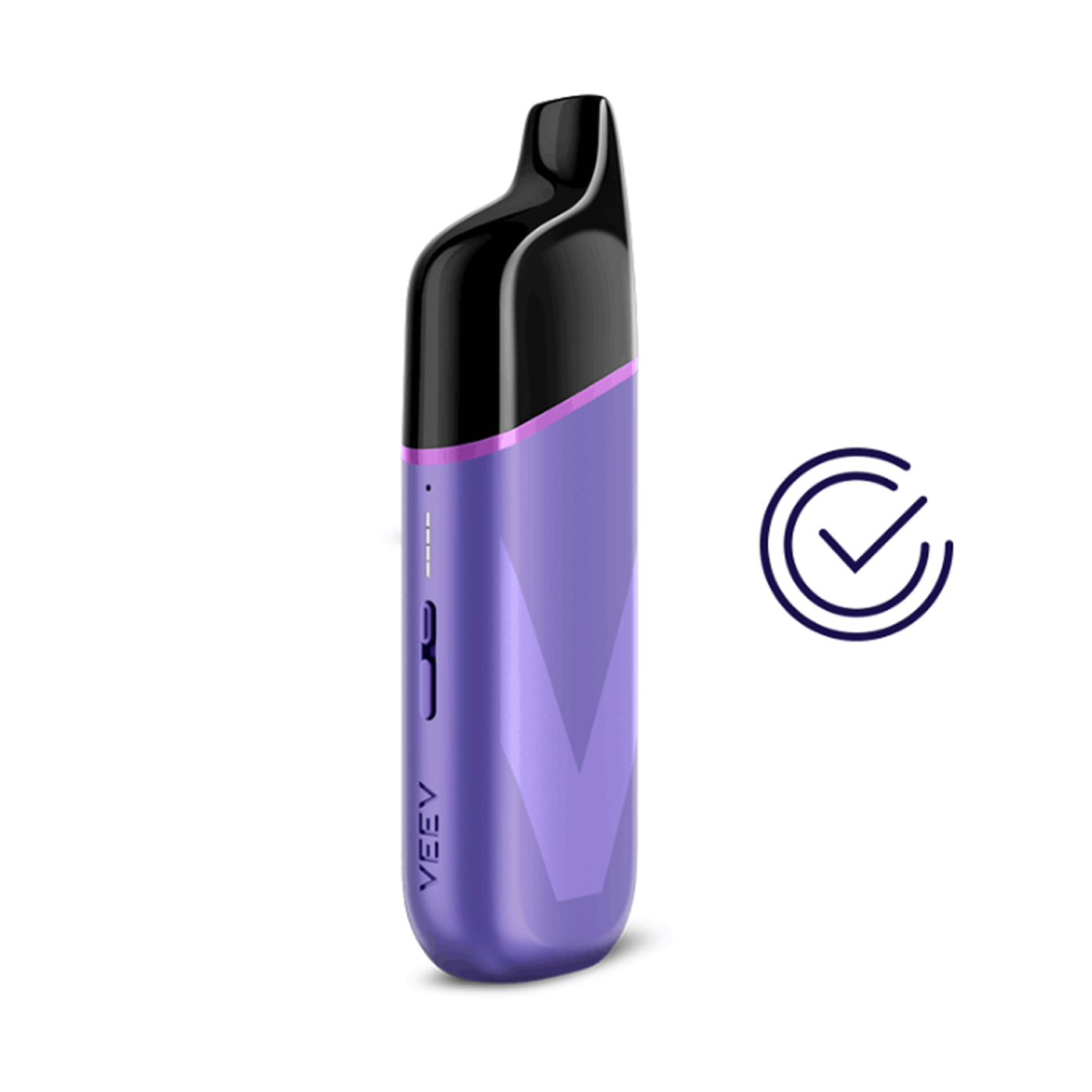
Your VEEV GRAND device is designed to be used only with VEEV GRAND pods.
To insert a pod:
- Tear open the pack and take out the VEEV GRAND pod.
- Insert the pod into the device, ensuring it is in the correct orientation and clicked into place.
Note:
- If the device is switched on and unlocked when a pod is inserted, the lights will ramp up to display the battery charge level.
- If the device is locked, the top and bottom lights will flash once.
- If the bottom light blinks red, the pod may not be inserted correctly.
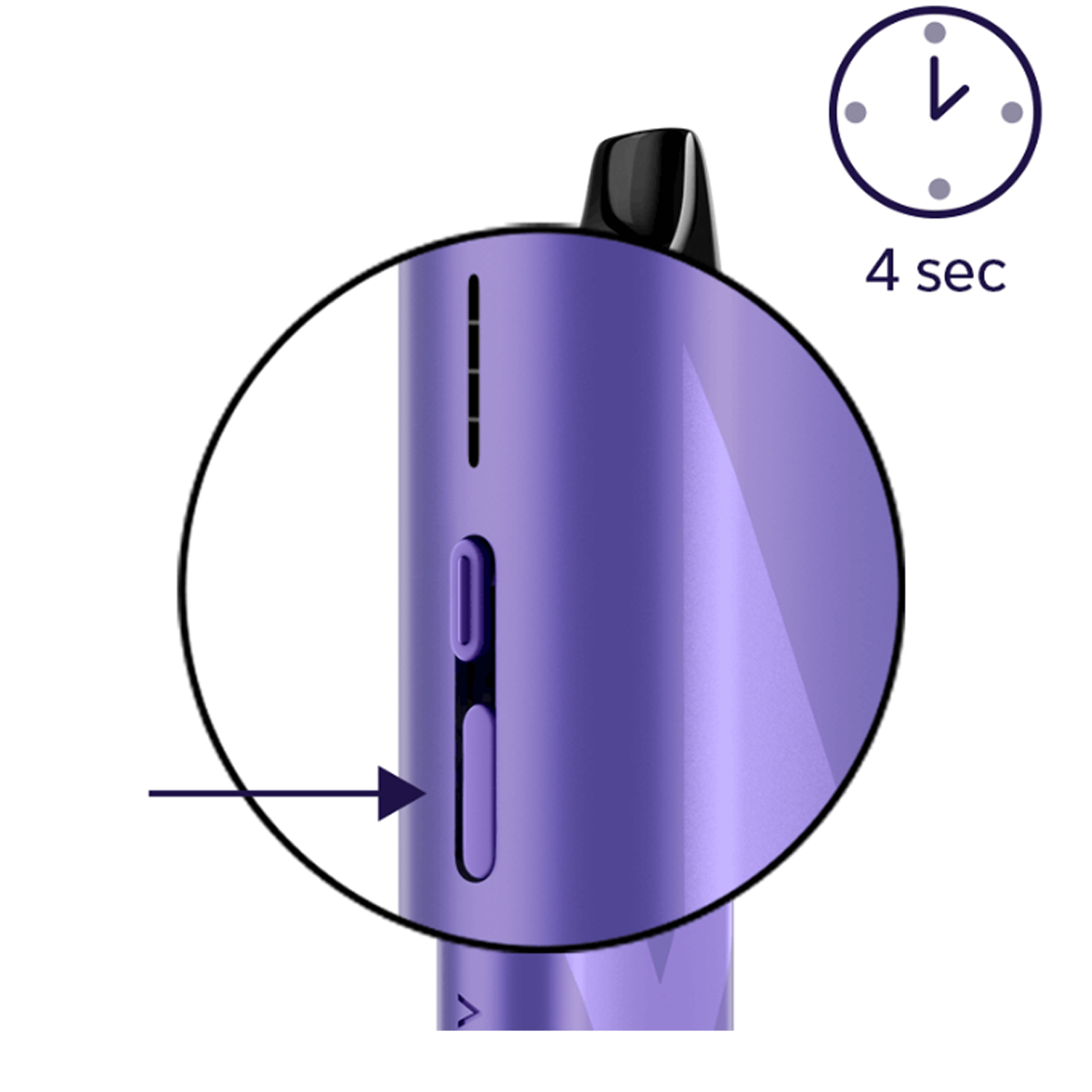
How to turn on VEEV GRAND.
- Correctly insert a VEEV GRAND pod.
- Press the button for 4 seconds to turn it on for the first time. The lights will ramp up and display the battery charge level.
- You will only need to turn on the device once (before the first use).
- The device cannot be turned off. It can only be locked and unlocked.
- To lock/unlock the device, press the Status Button for 5 seconds.
How to optimise experiences.
Your VEEV GRAND is designed to provide a smooth vaping experience with consistent vapour production. You can enjoy up to 5000 puffs* from a 6 ml pod, or up to 10 000 puffs from a 10 ml pod.
*Based on a puff duration of 1 second. May vary depending on individual usage patterns.
To get the most out of your VEEV experiences:
- Switch between Smooth Mode and Full Mode: Press Customization Button twice.
- Take smooth puffs with normal drawing pressure for the best results.
- Ensure the device has enough charge.
- Avoid covering the airflow holes with your fingers.
- Avoid a dry burn by ensuring that the device is being used with the mouthpiece up.
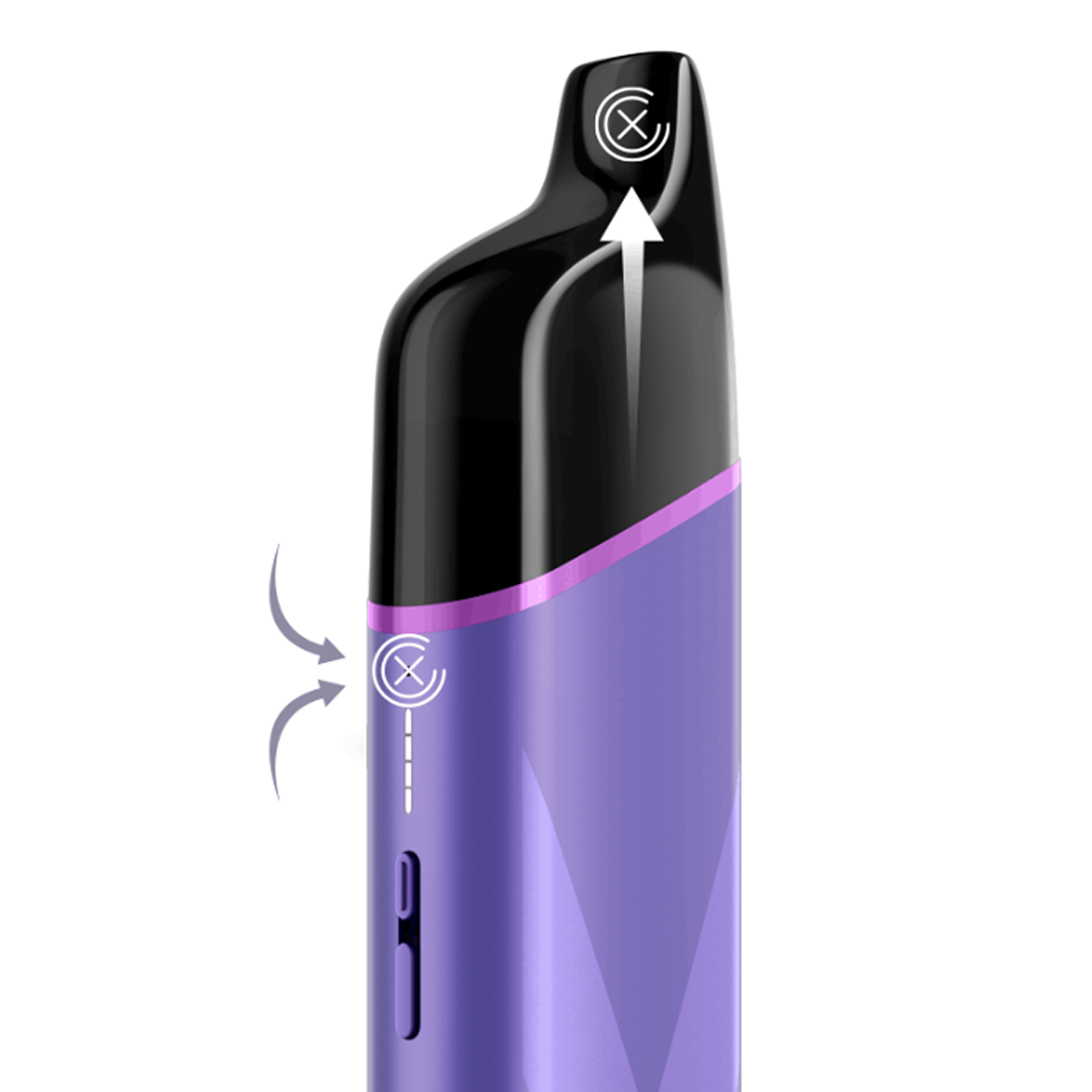
VEEV GRAND patterns and features.
- Red blinking light after pod insertion: Pod inserted incorrectly.
- Top and bottom lights blink when trying to puff or pressing the Status Button: Device is locked. Unlock it by pressing the Status Button for 5 seconds until the lights ramp up.
- Bottom light blinks red 5 times or 8 times: Device needs to be reset.
- Bottom light blinks yellow/orange 5 times when trying to puff: Battery is 1% or less.
- All lights blink white 4 times: Device is outside of the optimal operating temperature range (0–40°C).
- 2 top lights blink once on Customization Button press: Device is in Full Mode.
- 2 bottom lights blink once on Customization Button press: Device is in Smooth Mode.

VEEV GRAND user document.
Our VEEV user documents are designed to help you understand and properly use your specific VEEV device model.
You’ll learn about:
- Component names and functions.
- Optimal storage and usage.
- Safety warnings and instructions.
- Warranty coverage.