
Please note this website is intended for Canada, in order to ensure compliance with local legal requirements we need to redirect you to the country you are located in.
CONTINUE


Troubleshoot your VEEV GRAND.
Solve device issues with our self-service tool, FAQs, and more.


VEEV online troubleshooting tool.
Easily self-diagnose and fix device issues in just a few minutes. Start troubleshooting now, and we’ll guide you to instant solutions at your fingertips—no waiting, no queues. If eligible, you can self-order a replacement device.
Common issues with VEEV GRAND devices.
Here's a quick guide to help you fix common issues.
VEEV GRAND charging issues.
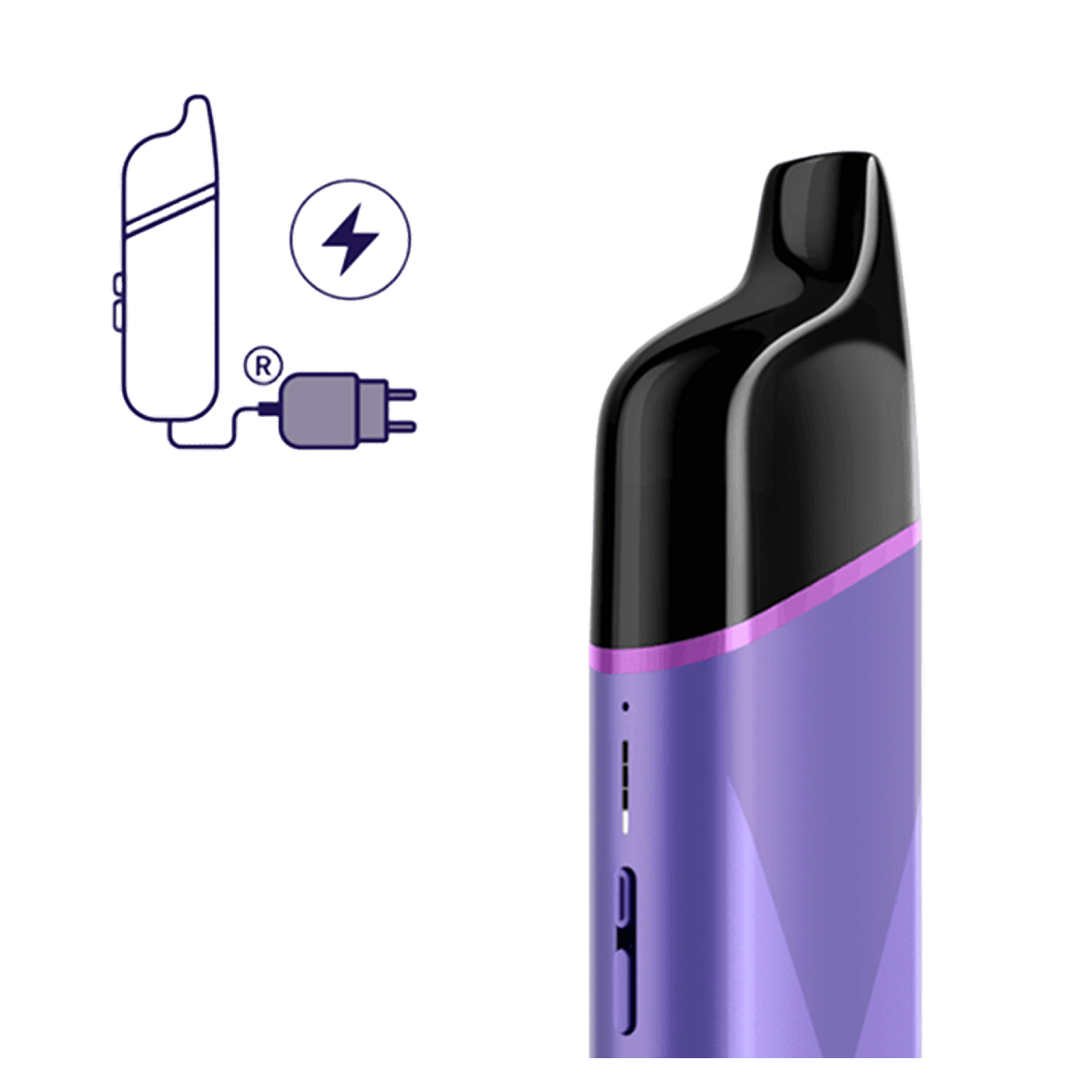
If your device is not charging or charging too slowly:
- Check that you’re using a compatible AC power adaptor and charging cable.
- Avoid charging with a laptop or power bank.
- Ensure the USB ports of the device and accessories are clean. Blow gently to clear dust and contamination.
Note: If your VEEV GRAND is charging too slowly after 4 hours, the bottom light will blink red 8 times.
How to reset your VEEV GRAND.
Resetting your device can fix software glitches that cause it to slow down or malfunction.
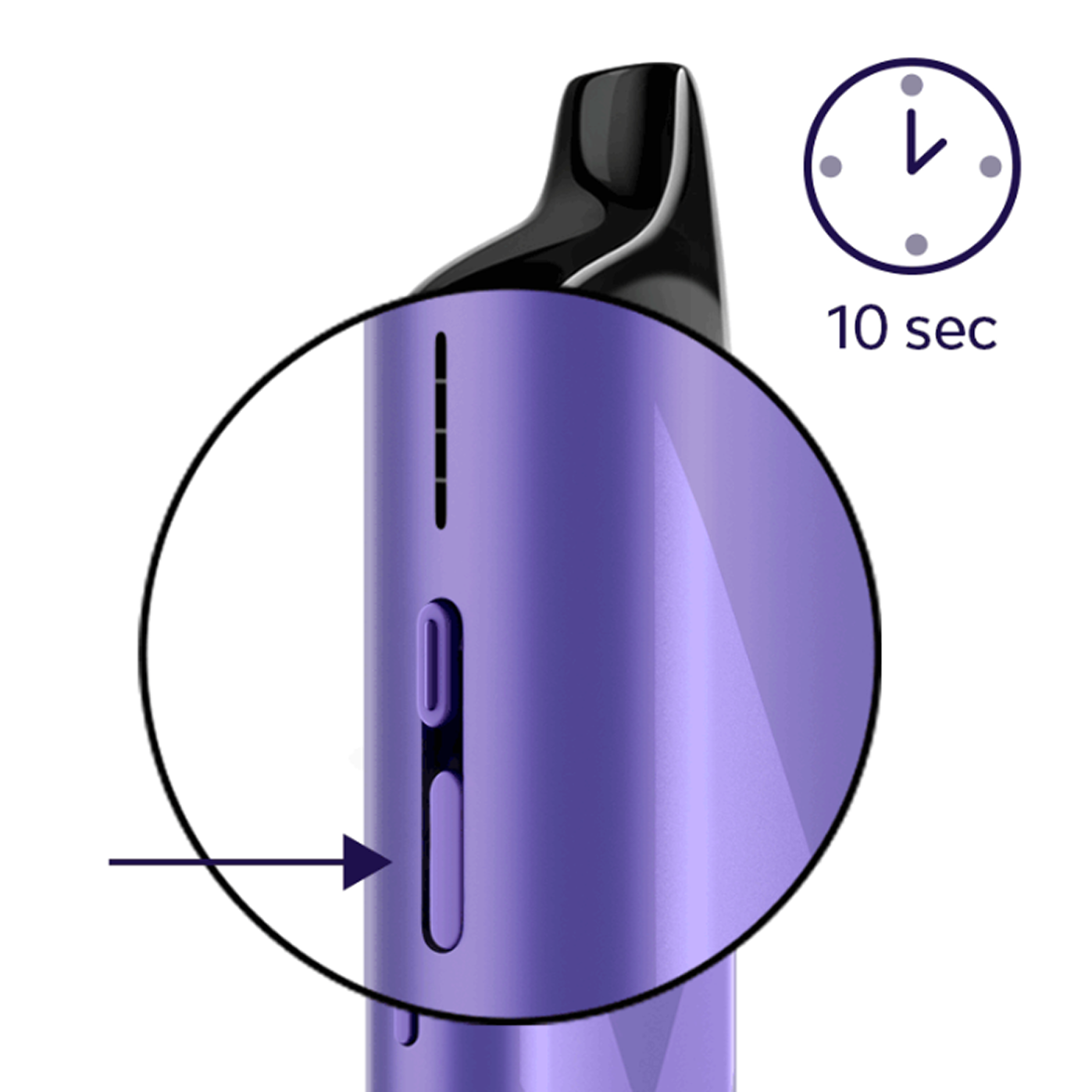
To reset your VEEV GRAND device:
- Press the Status Button continuously for 10 seconds. Lights will fade out.
- The reset is confirmed when all lights fade in and blink white twice.
- Lights will ramp up and display the battery status.
Note:
- The reset must be done with the device unlocked. To unlock it, press the Status Button for 5 seconds.
- While performing a reset, you’ll see other light patterns due to the device turning on/off.
Unusual VEEV GRAND lights and patterns.
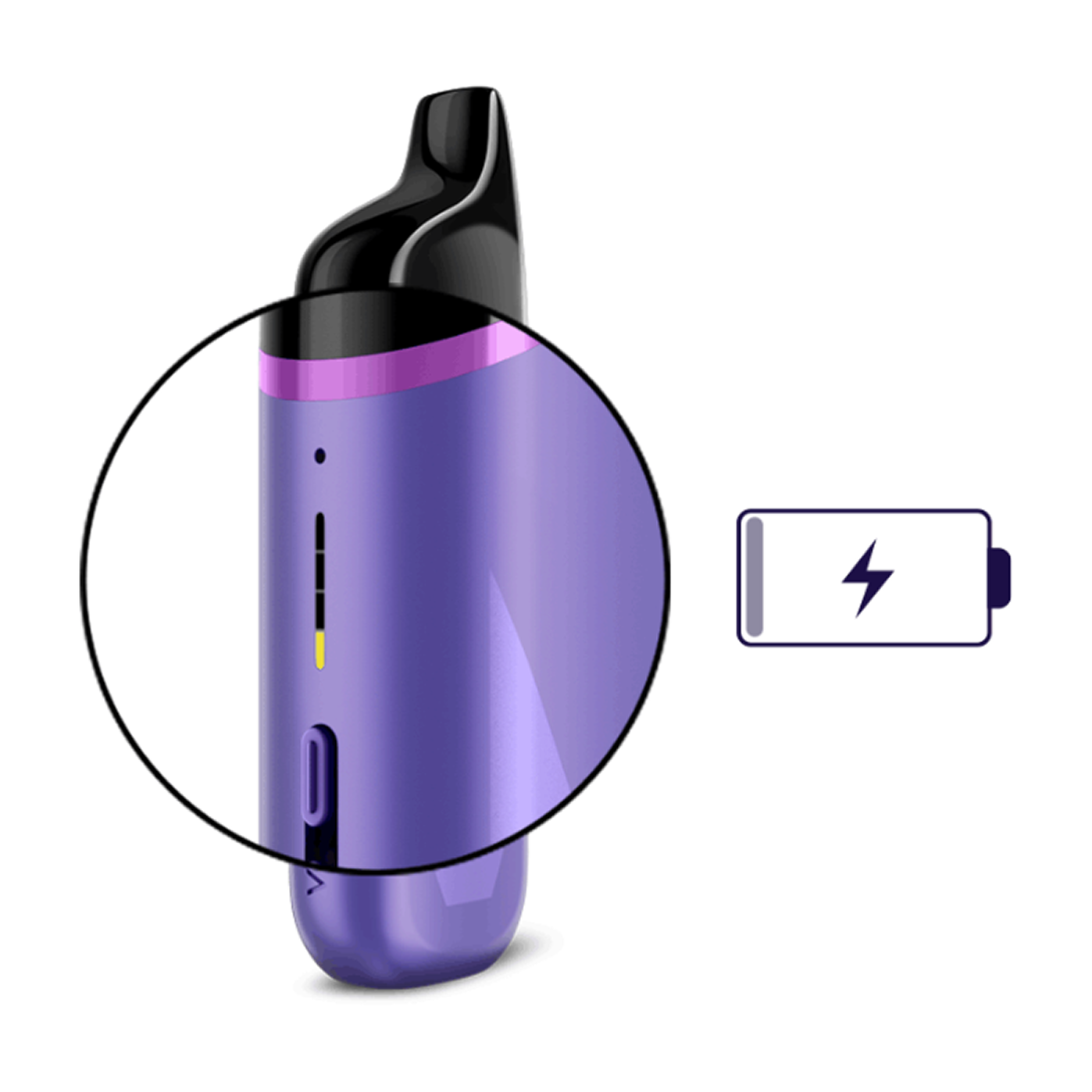
Lights show on the device to alert you to an issue:
- Red blinking light after pod insertion: Pod inserted incorrectly. Ensure it’s in the correct orientation and clicked into place.
- Bottom light blinks red 8 times while plugged in: Device is charging too slowly.
- Bottom light blinking yellow/orange 5 times when trying to puff: Battery is 1% or less.
- All lights blinking white 4 times: Device is outside of the optimal operating temperature range (0–40°C).
- Bottom light blinking red then white, 3 times: Device has detected a low e-liquid level. Ensure you’re using it with the mouthpiece up or replace empty pod.
VEEV GRAND pod issues.
VEEV GRAND is designed to be used only with VEEV GRAND pods. Ensure the pod is inserted in the correct orientation with the mouthpiece up, and that it’s fully clicked into place.
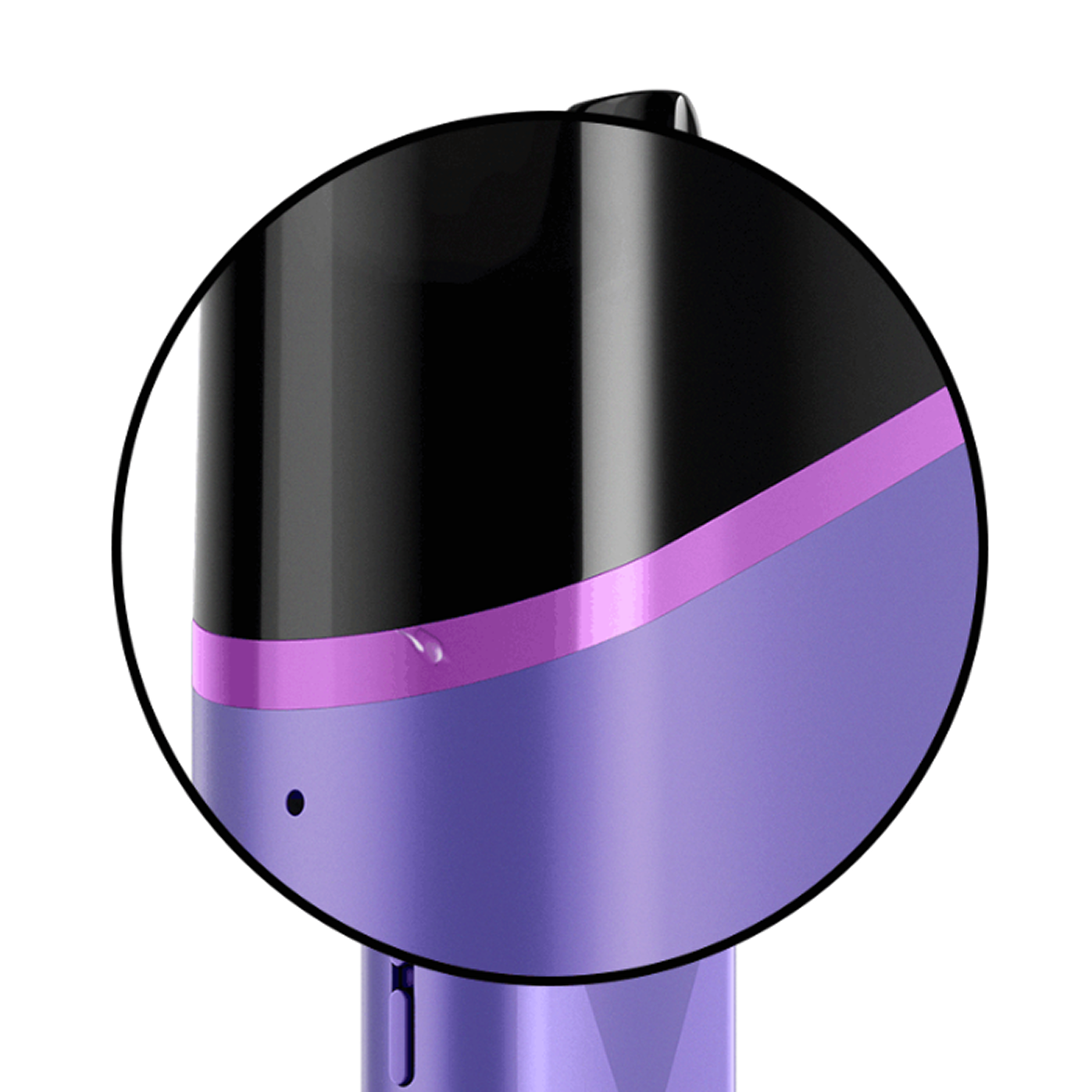
Leakage from the pod can impact taste and flavour, so try to keep the mouthpiece clean. Use a clean, dry cloth to wipe the mouthpiece area of the pod and the slot where the aerosol is released from.
Tips to reduce the risk of e-liquid leakage:
- Store and use your device at room temperature (up to 40 degrees Celsius).
- Avoid using the device in high humidity environments.
- Avoid rapid temperature changes, such as going from cold indoors to hot outside.
- Use pods promptly once removed from their packaging.
- Take smooth and gentle puffs with normal drawing pressure and steady duration. Intense vaping can draw e-liquid out of the pod.
- Do not store or use the pod upside down, which can increase the chance of leakage and result in a burnt taste.
Note:
- Liquid in the contact areas may be condensation, not leakage.
- If any taste or flavour issues persist, try using a new VEEV GRAND pod.

VEEV GRAND user document.
Our VEEV user documents are designed to help you understand and properly use your specific VEEV device model.
You’ll learn about:
- Component names and functions.
- Optimal storage and usage.
- Safety warnings and instructions.
- Warranty coverage.
Can't find what you're looking for? Visit
our FAQs here.